Spot: June Update
One month ago, we released Spot, introducing a new paradigm for instant cloud-connected developer environments.
Since then, we’ve received great feedback from the community including hundreds of downloads of the VS Code extension and tweets like these:
Announcing Spot! Spot is a VS Code extension that allows you to quickly create environments in the cloud with direct integration with #Azure Container Instances (#ACI), all through #vscode. Just in time for #kubecon and #MSBuild https://t.co/UpYzzPfF2C #vscodespot
VSCode + Containers + Azure = Magic https://t.co/jXQU9MCZVX Check out SPOT! #vscode #azure
Spot: Instant cloud environments for developers — Folks this is cloud based development at volume 11. I’m so excited about this #azure
The goal of the initial release was to build, measure and learn. Since then, we’ve been busy improving the user experience, addressing your feedback and enabling new scenarios.
So what’s in the June update?
Highlights
The initial release of Spot was built to see what was possible when we brought together VS Code and Azure Container Instances. Today, we introduce integration with Azure Container Registry and GitHub.
Create Spots from GitHub Pull Requests
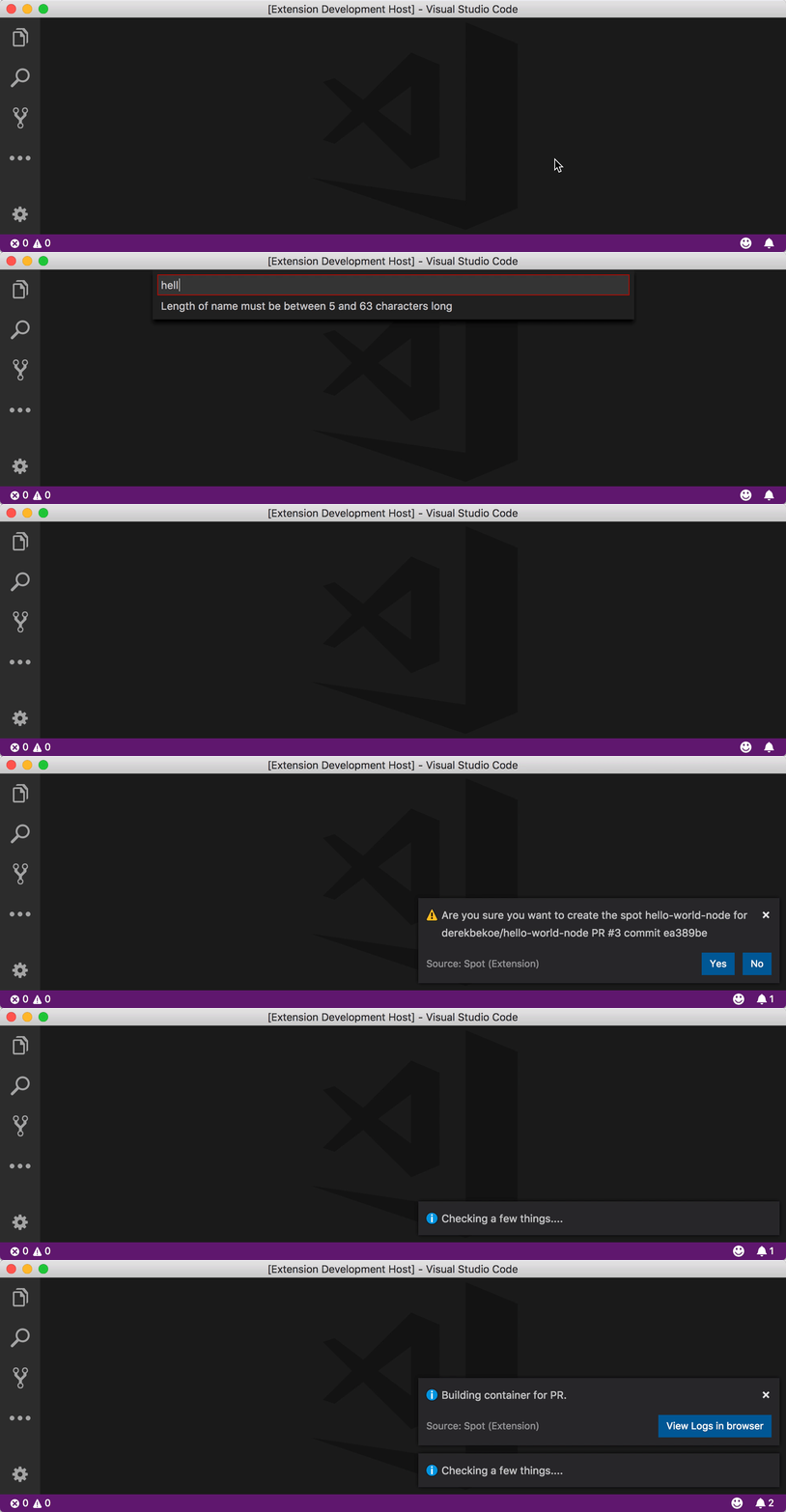
Provide a pull request, e.g. https://github.com/derekbekoe/hello-world-node/pull/3, and in the cloud, we’ll build a container for the latest iteration of that PR and connect you directly to it with Spot.
We thought this feature deserved its own blog post so for an in-depth look at this new feature, see Spot: Create from PR.
Create Spots from your own Azure Container Registry
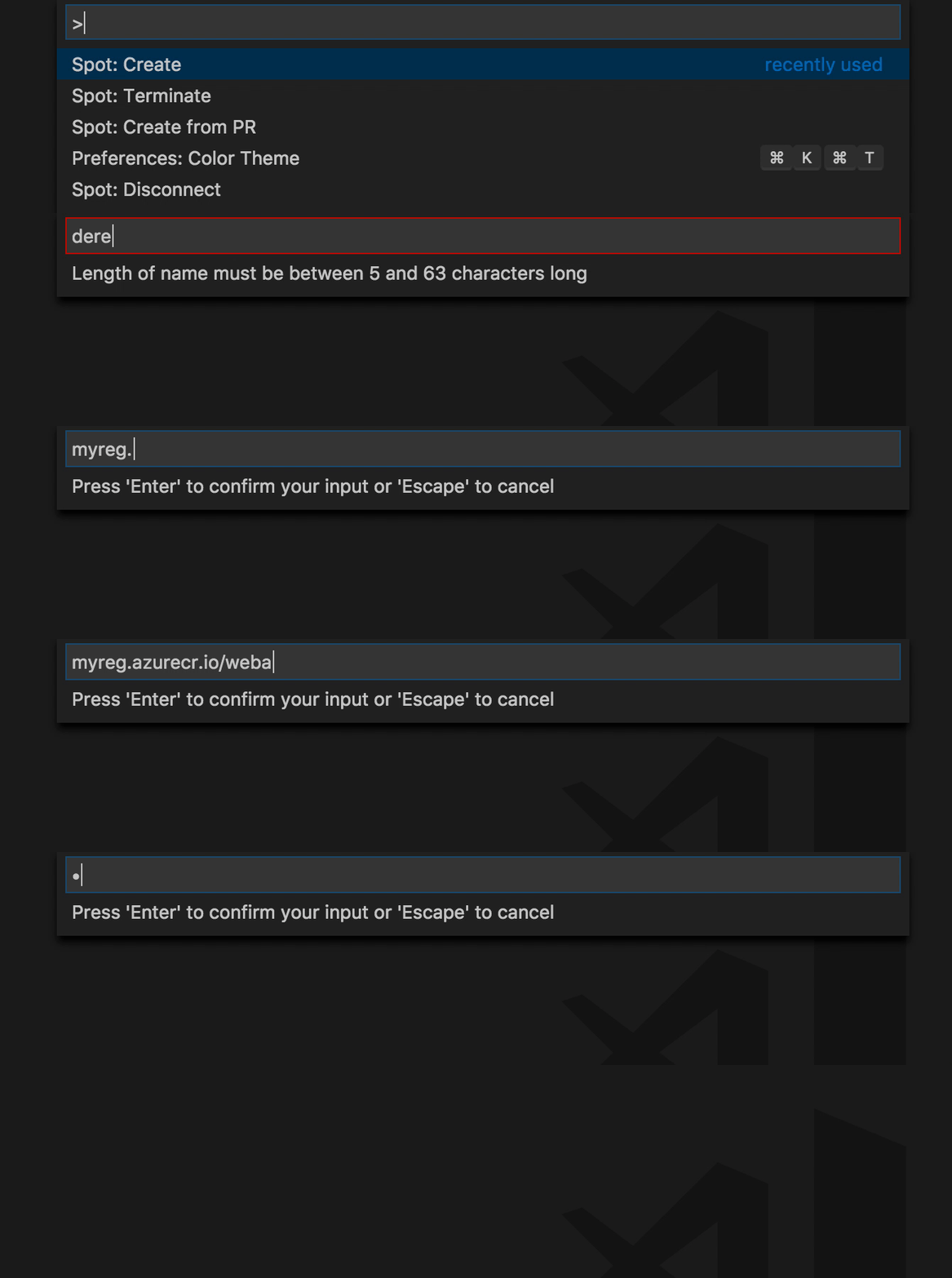
The first release of Spot supported running images from Docker Hub. Now, we support Azure Container Registry as well. Just enter the ACR image, e.g. myreg.azurecr.io/webapp:1, on Spot creation.
Spot Name Validation and Verification
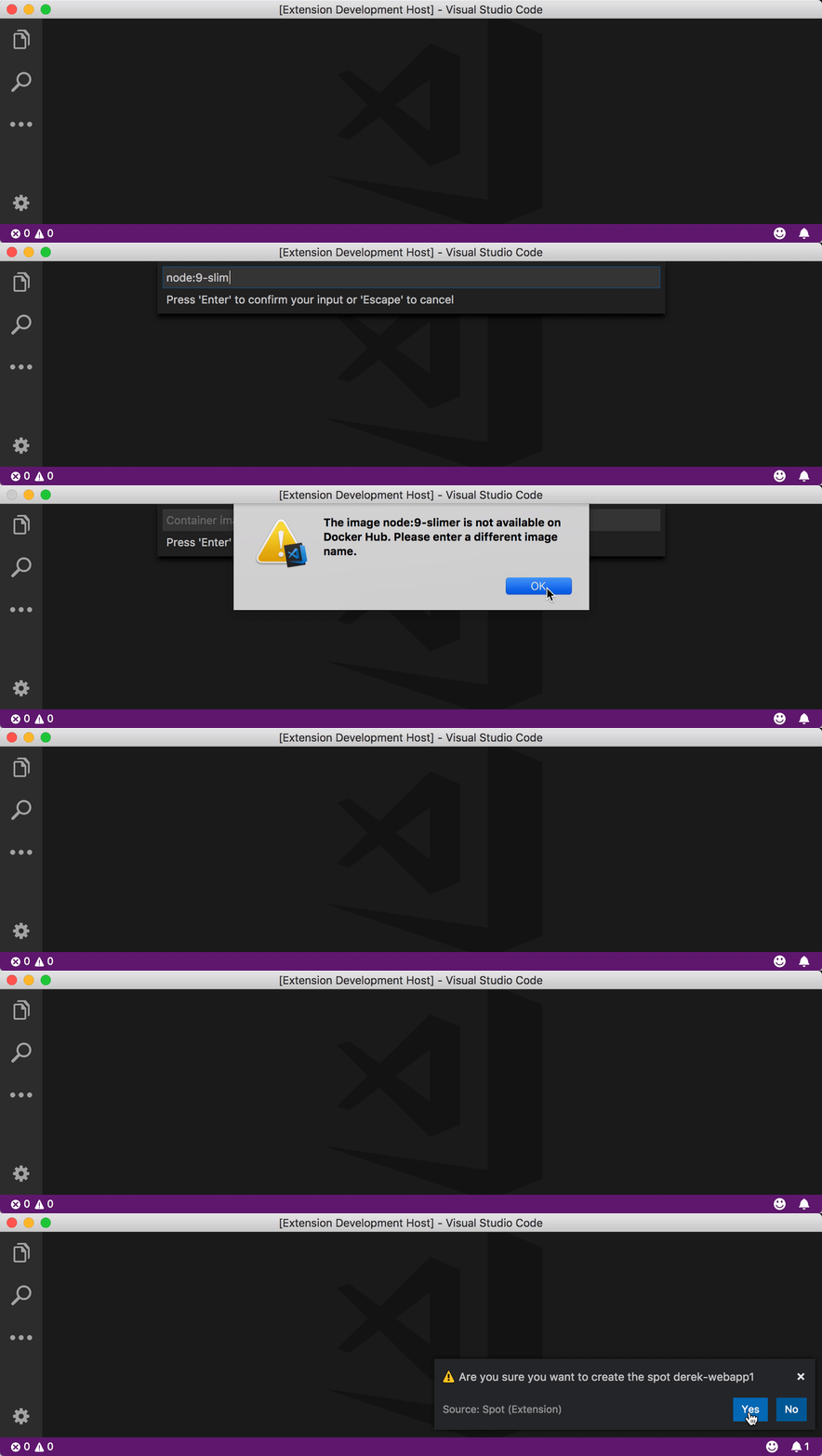
We now perform client-side validation on Spot names as you type. This helps you find a valid name sooner rather than waiting for the deployment to fail later on. This includes checking that the name you want to use is available.

Docker Hub Image Verification
For Docker Hub images, we now check if the image is available on Docker Hub instead of the previous experience where the Spot deployment would fail later on due to an invalid image name.
Drop-down on ‘Spot: Terminate’
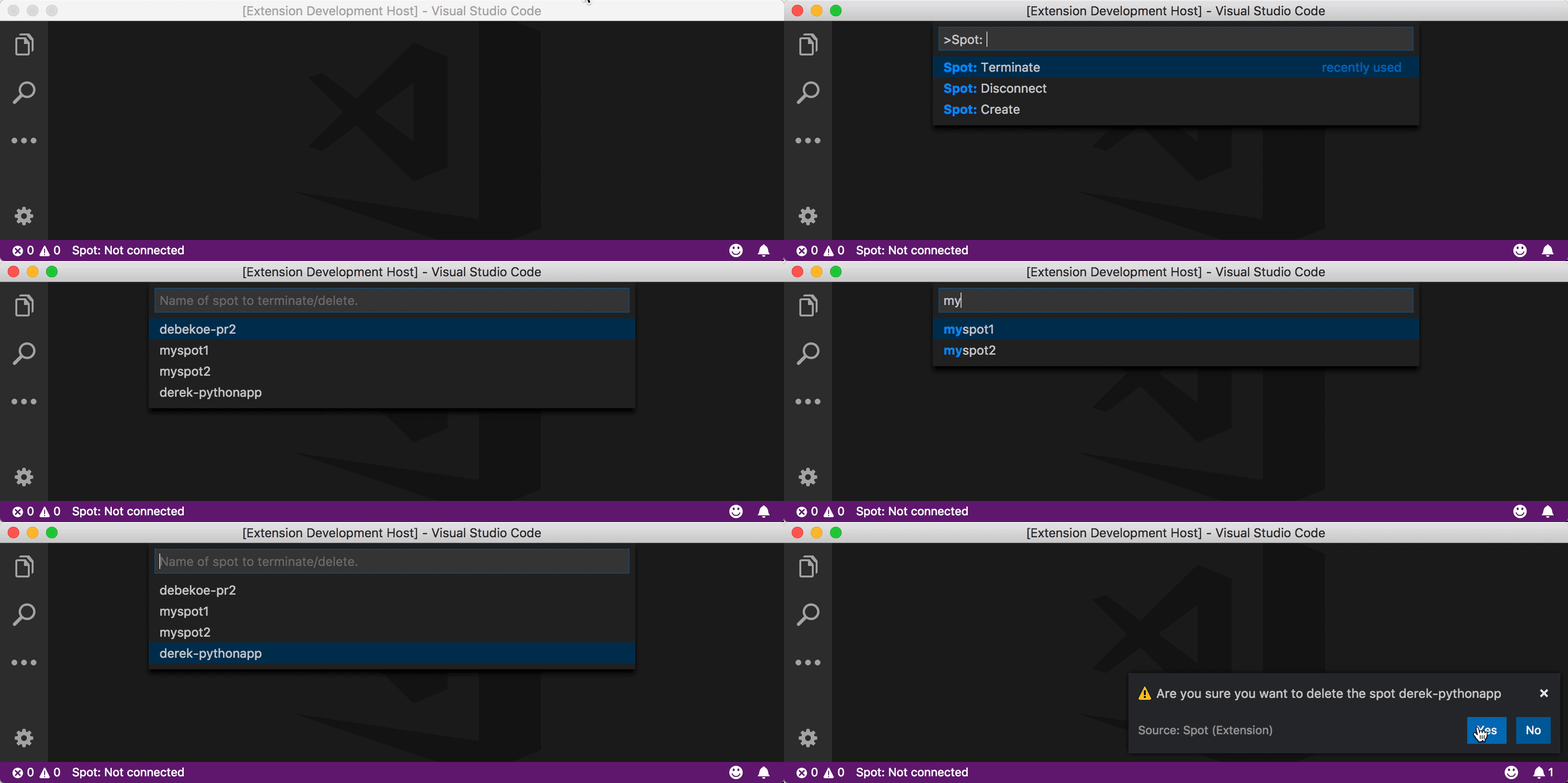
When terminating one of your Spots, we now show a drop-down list to allow you to easily choose the Spot you want to terminate.
(Engineering) Automated Releases
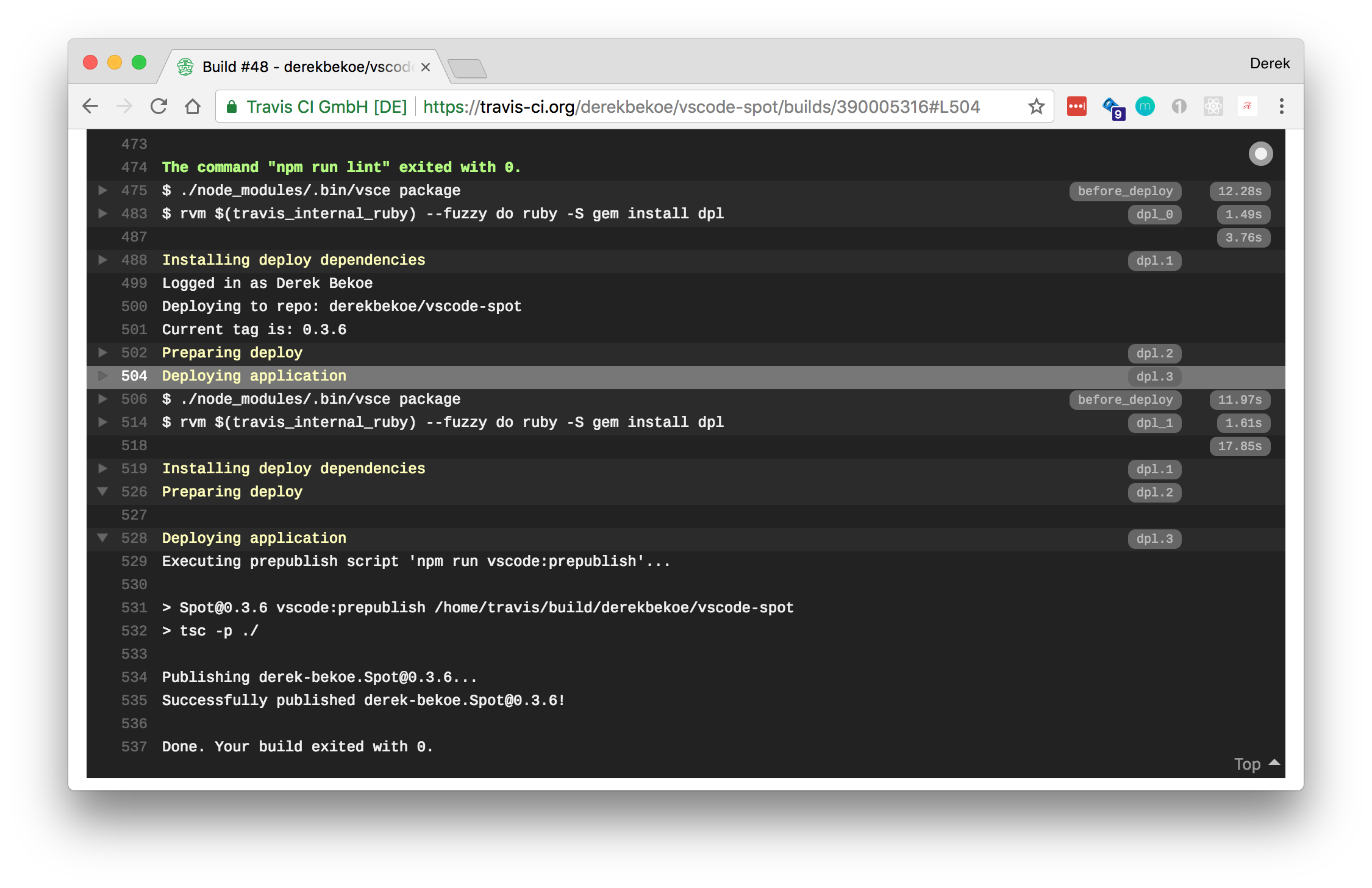
Our releases are now automated. Each release is built and published through Travis CI directly to the VS Code Marketplace and our GitHub releases page.
Thank You!
Thanks to @bradygmsft for PR #51 — This PR adds Spot to the Azure category of the VS Code Marketplace.
Thank you to all those who shared the initial announcement in their networks, provided feedback on the first version of the product and continue to support Spot.
Start using Spot today from the VS Code Marketplace
All writing