Commute App
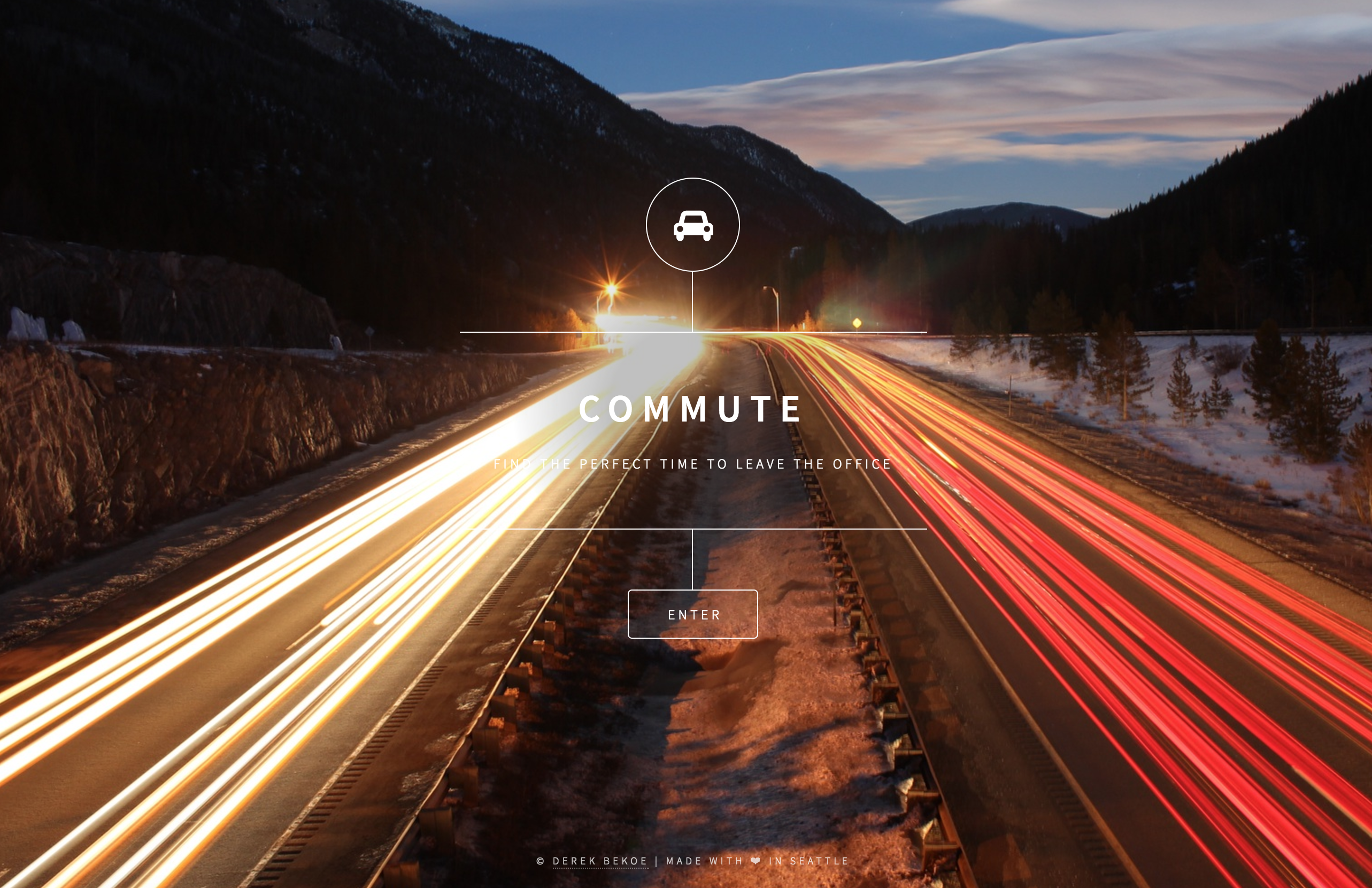
Commute — Find the perfect time to leave the office
Technologies Google Maps API, Web Notifications API, Docker, Azure
Available at http://commute.today
Built in 2 days
Overview
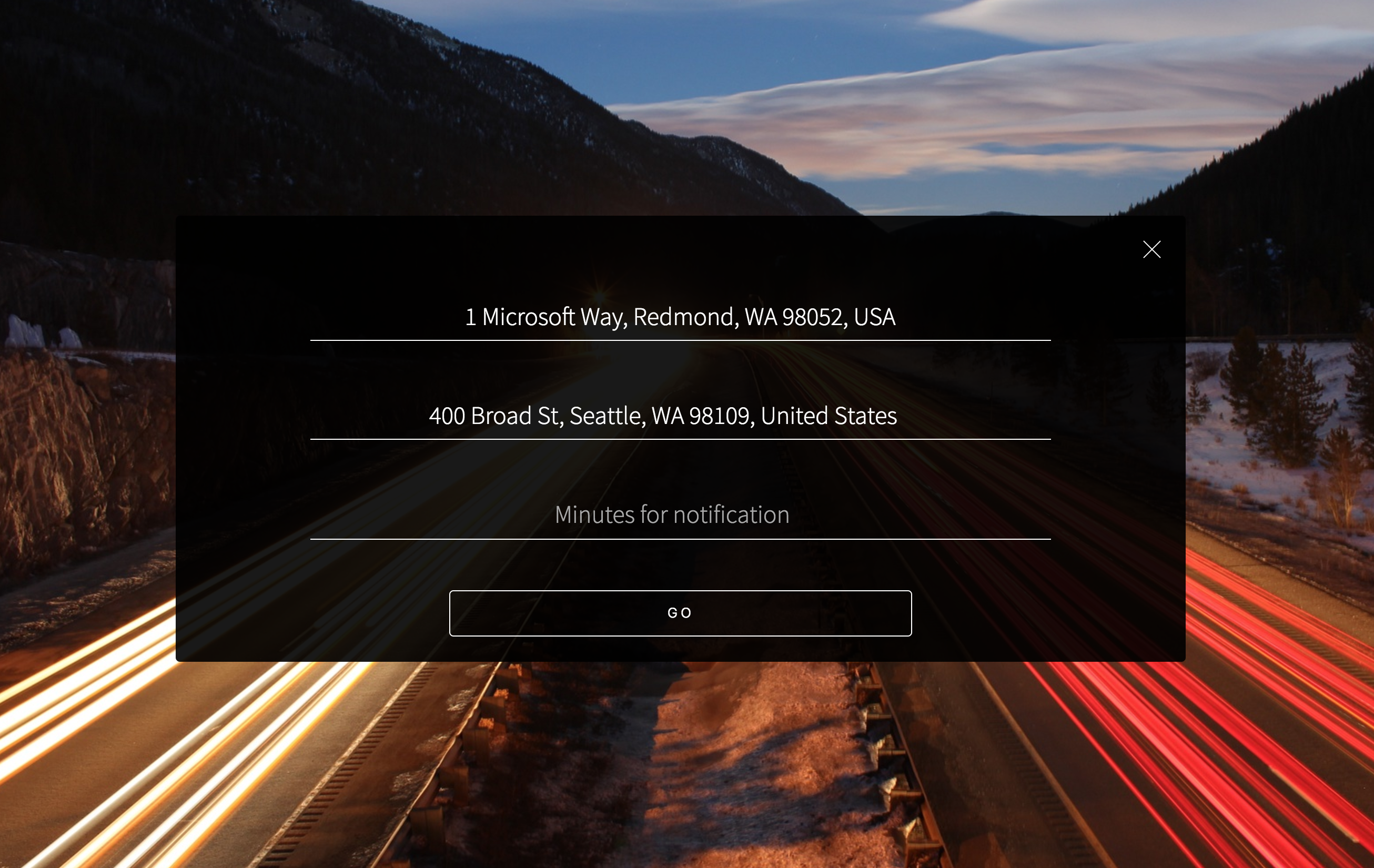
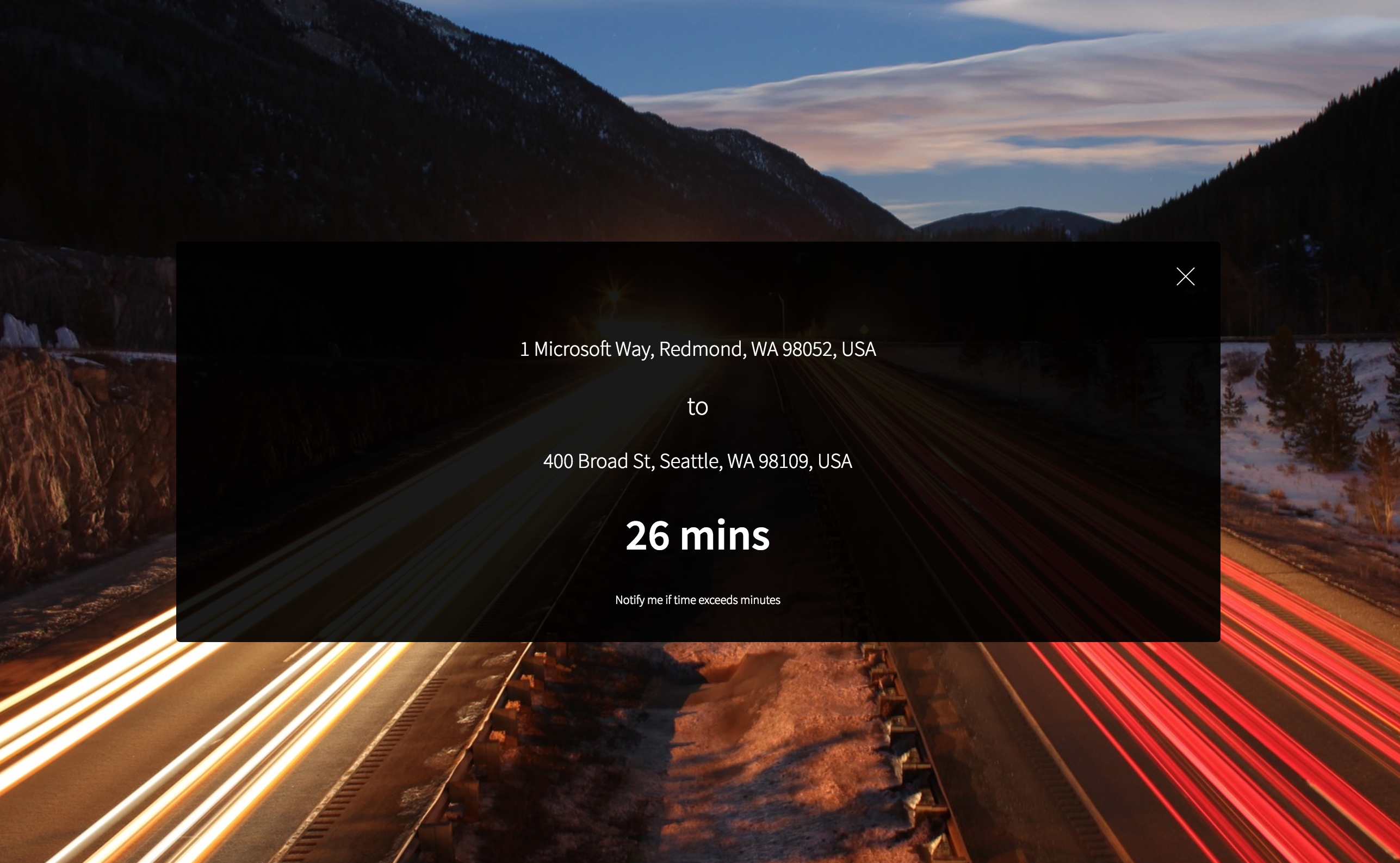
With Commute, you specify your office address and your destination. In real-time, the app monitors travel times to your destination and notifies you when it exceeds a time you deem acceptable.
I built the app to solve a problem I frequently faced, being stuck in the unpredictable Seattle traffic.
All source code is available on GitHub at https://github.com/derekbekoe/commute. It runs on the Microsoft Cloud.
Screenshots
Architecture
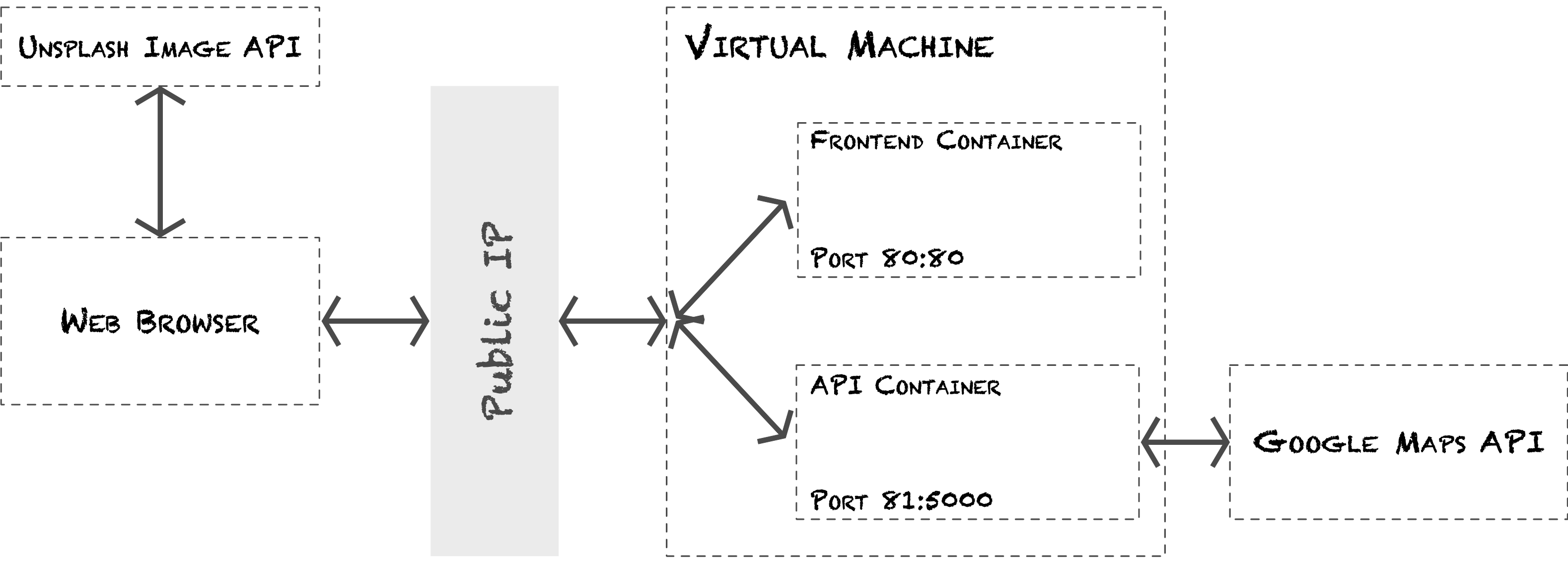
The current architecture of Commute is quite straightforward. A single Linux VM runs two Docker containers; a frontend and API container.
The frontend container runs an NGINX server that serves static content (HTML, CSS and JS) on port 80. The API container runs a Flask app on port 5000 (port 81 on the VM). This app has two endpoints:
GET
/travel-time?origin=ORIGIN_ADDRESS&destination=DESTINATION_ADDRESS
Given an origin and destination, this endpoint returns the travel time with traffic and the travel time without traffic.
GET
/place-autocomplete?query=SEARCH_QUERY
Given a search query, this endpoint returns a list of places.
The background image of the site is from Unsplash. A GET request to a given endpoint returns an appropriate image.
APIs
Google Maps API
I used two Google Maps APIs for Commute.
The Distance Matrix API [1] provides the travel time between an origin and destination. This is an example of an API request:
GET
https://maps.googleapis.com/maps/api/distancematrix/json?origins=ORIGIN&destinations=DESTINATION&traffic_model=best_guess&departure_time=TIME&key=API_KEY
The result includes the travel time in seconds.
The text search API [2] provides information about a set of places based on a query string. Commute uses this for autocompletion of addresses. With this, you can type “The Space Needle” as a destination and Commute will get the correct address of “400 Broad St, Seattle, WA 98109, United States” automatically. This is an example of an API request to this service:
GET
https://maps.googleapis.com/maps/api/place/textsearch/json?query=QUERY&key=API_KEY
The service responses with a list of places.
Web Notifications API
The Notifications API lets a web page or app send notifications that are displayed outside the page.[3]
I used Notify.js, a wrapper for the web notifications API to display notifications. With Notify.js, showing a notification is simple:
var Notify = window.Notify.default;
new Notify('Commute', {
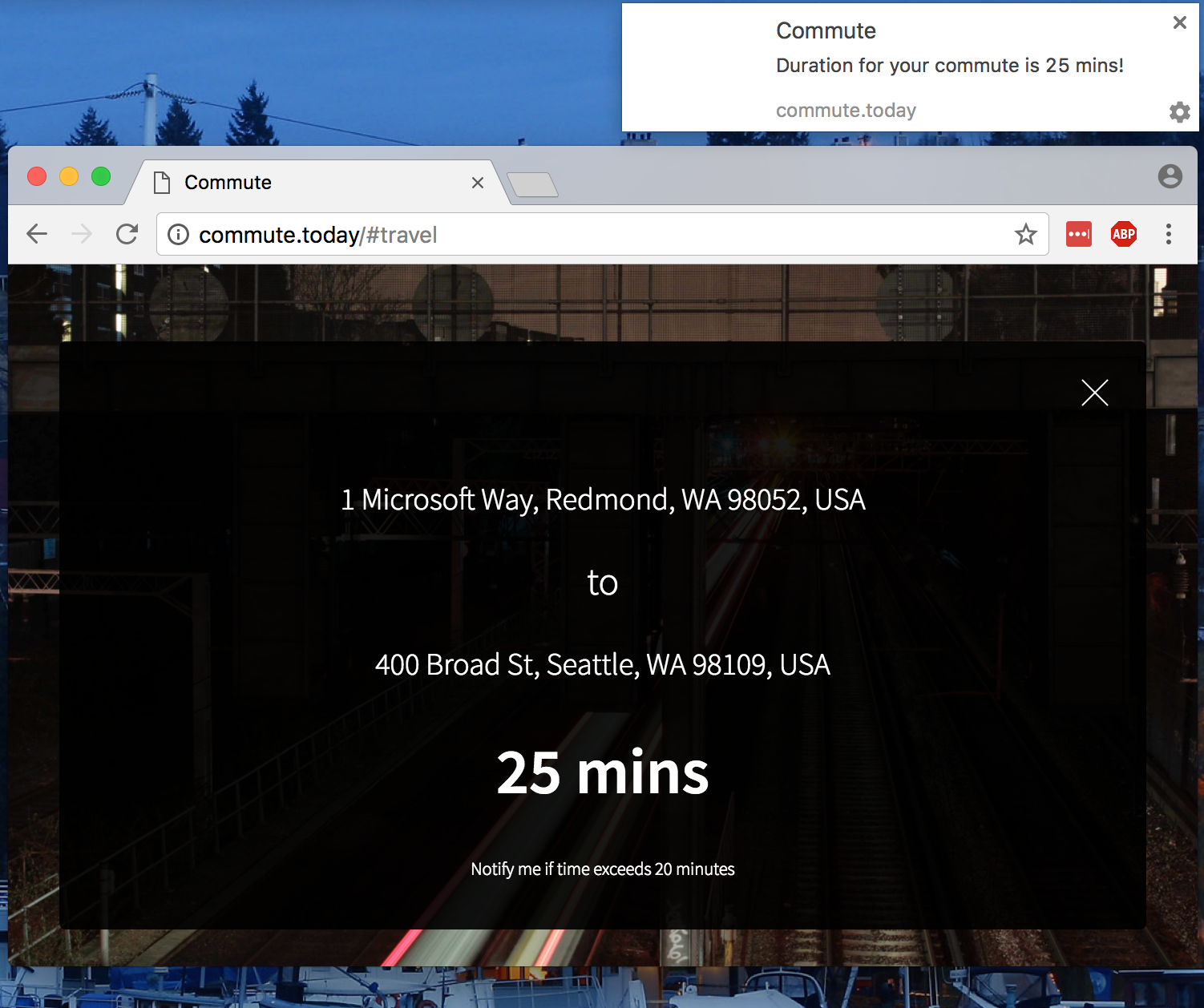
    body: 'Duration for your commute is 25 mins!'
}).show();
Below is an example of a notification on macOS.
Unsplash Source API
Unsplash provides free high-resolution photos. An API is available for easy embedding of their images. For Commute, I used the ‘search term’ API to find images with the search term ‘traffic-highway’. Each GET request to this endpoint returns a different image related to traffic and highways; perfect for this app.
https://source.unsplash.com/1920x1080/?traffic-highwaySummary
I built this app to solve my real-world problem. There are many ways one could extend this app. Currently, it runs on a single VM. I’d like to extend this to run on Azure Container Service. This may be something for another blog post.
All writing